Help center
Supported image types
You can upload your logo in any of the following formats:
- SVG (recommended for best quality at any size)
- JPG
- PNG
Recommended logo dimensions
Your logo is automatically displayed at a width of 120px in the navigation bar. For best results:
- Upload an image with a transparent background (if applicable)
- Use an SVG file to keep it sharp at all sizes
- If using PNG or JPG, ensure the width is at least 2X the final size so 240px so it appears crisp without scaling up
Where the logo appears
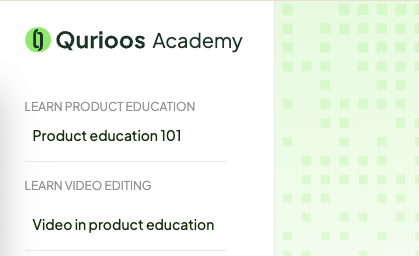
Your logo will be displayed in the navigation bar, as shown here:
On which pages does the logo appear
- Authentication pages (Signup, Login, Forgot password, etc.)
- Home page (eg. academy.mycompany.com)
- User management pages
- User profile page
- Subject, path, and module pages
- Email notifications
Should the logo include other words like “academy”?
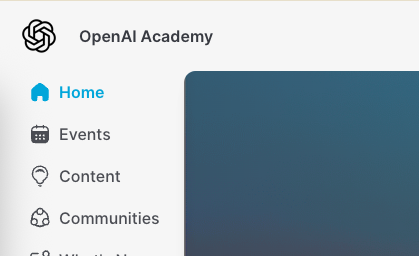
It depends on your approach to branding. If the academy is a separate thing from the company/product brand and you want to have a separate logo for it, then yes. Below are some examples of companies with custom logos, only for their learning platforms.


https://www.shopifyacademy.com/